Table of Contents
- Why Template-Led Mobile Pages Underperform
- Practical Template Archetypes for App Teams
- 30-Day Execution Plan
- Common Mistakes and Fast Fixes
- FAQ
Most teams do not struggle to find design assets. They struggle to turn those assets into reliable conversion pages. A layout can look polished, yet still underperform if message flow, trust timing, and action clarity are not aligned.
This is especially common in mobile campaigns where launch speed is high and teams update pages under deadline pressure. Without a clear framework, edits become reactive. Headlines change, CTA labels rotate, and blocks move around, but conversion quality remains unstable.
A strong template should be treated as decision infrastructure, not as decorative UI. When section jobs are clear and UX behavior is predictable, templates can increase speed without sacrificing performance.
This guide explains how to use templates for mobile app landing pages in Unicorn Platform with a practical, repeatable process. The goal is consistent launches, higher-quality actions, and cleaner optimization cycles.
sbb-itb-bf47c9b
Key Takeaways
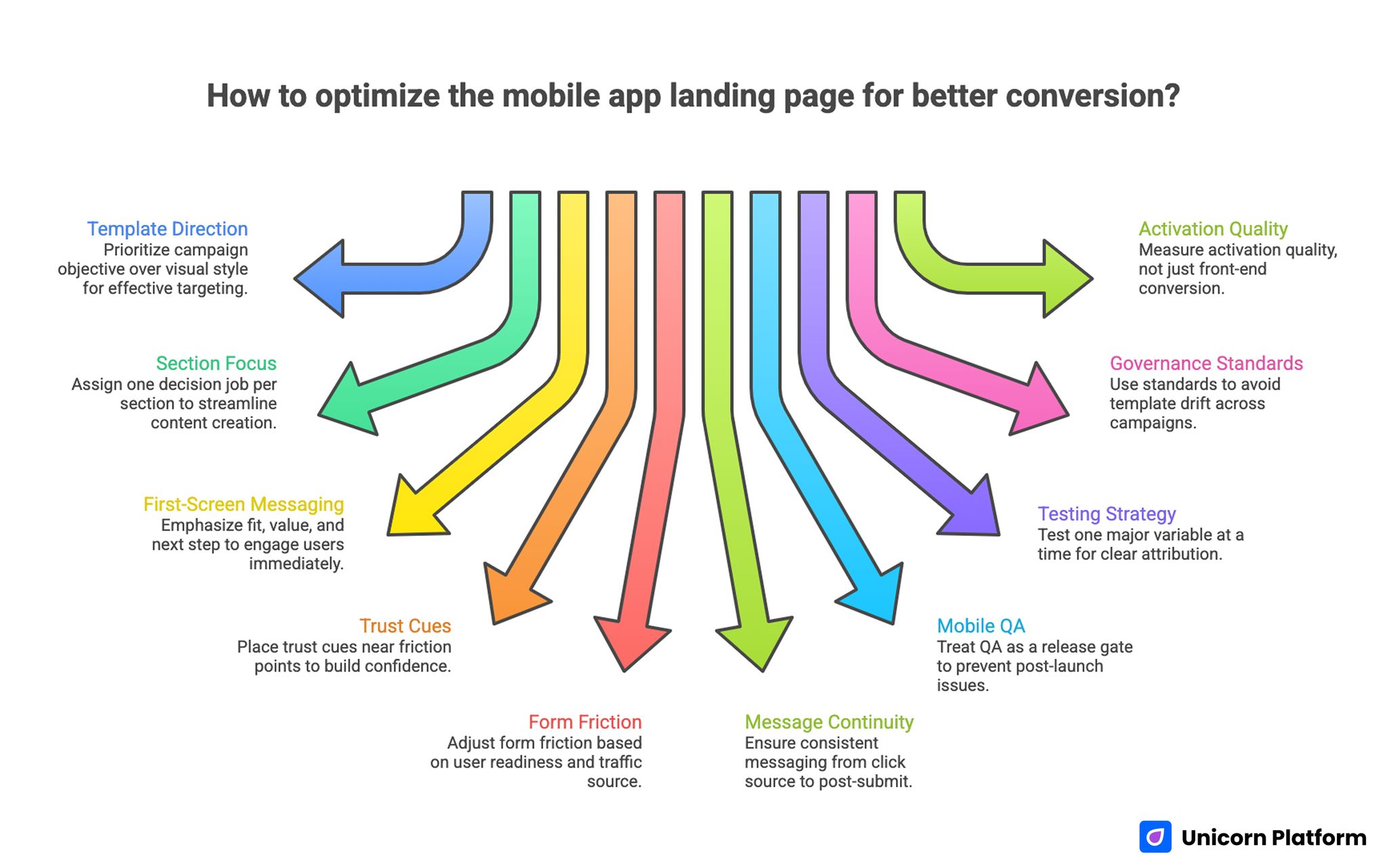
Key Takeaways for Optimizing A Mobile Landing Page To Improve Conversion Rates
- Choose template direction by campaign objective first, visual style second.
- Give each section one decision job before writing copy.
- Keep first-screen messaging focused on fit, value, and next step.
- Place trust cues near friction points, not only at the bottom.
- Match form friction to user readiness and traffic source.
- Preserve message continuity from click source to post-submit state.
- Treat mobile QA as a release gate, not a post-launch fix.
- Test one major variable at a time for clear attribution.
- Use governance standards to avoid template drift across campaigns.
- Measure activation quality, not only front-end conversion volume.
Why Template-Led Mobile Pages Underperform
Template projects usually fail for structural reasons, not because templates are inherently weak. Teams often pick a layout quickly, replace placeholder copy, and launch before defining what behavior the page should improve.
The next issue is mixed intent. One page tries to educate cold users, persuade evaluators, and close high-intent traffic in the same narrative. That creates conflicting priorities and weak action hierarchy.
Another issue is confidence timing. Proof elements and practical details appear too late, while the first CTA appears too early. Users are asked to act before uncertainty is reduced.
There is often a technical mismatch too. Desktop preview looks good, but mobile load sequence, spacing, and input behavior degrade first-touch experience.
Finally, teams optimize by surface metrics only. When measurement excludes activation or retention quality, edits that increase clicks can still harm business outcomes.
What Strong Templates for Mobile App Landing Pages Must Do
High-performing pages generally follow a clear sequence: confirm fit, clarify value, reduce risk, guide action, and preserve momentum after action. This sequence keeps decision steps predictable for first-time visitors.
This sequence matters more than visual style trends. It reflects how users make decisions under time pressure, especially on mobile screens where scanning behavior is compressed.
Before launch, verify that the page answers these questions quickly. Teams that run this check early avoid expensive rewrites later.
- Is this app relevant to my situation right now?
- What outcome can I expect first?
- How difficult is setup or onboarding?
- Why should I trust this promise?
- What happens after I submit or click?
If these answers are unclear, customization should pause until structure is corrected. Visual polish will not fix a broken decision sequence.
Choosing Template Direction by Objective
The right template depends on funnel stage and traffic intent. A page that works for evaluation traffic may fail for awareness traffic even with strong visuals.
Start with one objective per variant. Common objectives include store intent, trial signup, feature adoption, waitlist capture, and reactivation.
Then align objective with depth needs. Each stage needs a different balance between explanation and friction.
- Discovery traffic: stronger context and low-friction action.
- Evaluation traffic: mechanism clarity and trust detail.
- Decision traffic: clear commitment route and expectation copy.
This mapping keeps template selection objective-driven instead of preference-driven. It also makes experiment results easier to compare across campaigns.
If your team needs a section-planning baseline before editing, this landing page structure guide helps define section roles and ownership before copy work starts.
Practical Template Archetypes for App Teams
The most useful way to review references is by archetype. These patterns help teams match structure to objective without copying anyone's layout.
1) Trial Signup Page
Use this when the goal is qualified trial starts. Lead with user outcome and setup expectation before asking for form completion.
2) Store Transition Page
Use this when campaigns route users to app stores from paid traffic. Keep first-screen value clear and make OS-specific paths obvious.
3) Waitlist Capture Page
Use this for prelaunch or phased access. Explain timeline logic and communication cadence to preserve trust.
4) Feature Launch Page
Use this when promoting a new capability to existing demand. Connect feature detail to a concrete workflow improvement.
5) Migration Page
Use this when users are moving from another product. Reduce switching anxiety with transparent steps and realistic timing.
6) Segment-Specific Use-Case Page
Use this when the product serves different roles with different objections. Keep architecture shared while adapting proof and language per segment.
7) Reactivation Page
Use this for returning users who dropped after initial interaction. Address known friction directly and shorten the path to action.
8) Multi-Step Qualification Page
Use this when action quality is more important than top-line volume. Apply progressive qualification instead of front-loading friction.
Pre-Customization QA Checklist
Run template QA before rewriting full content. Early checks reduce expensive late-stage changes.
Use this checklist. It helps prevent launching pages that look good but convert inconsistently.
- First screen supports one clear action path.
- Section order can follow decision sequence cleanly.
- Trust blocks can be placed near major friction points.
- Form module supports low-friction first touch.
- Mobile spacing and tap targets are workable by default.
- Media behavior does not delay value visibility.
- CTA hierarchy stays clear after repeated sections.
- Analytics events can map to section behavior.
Templates that fail several checks should usually be replaced, not force-fitted. Rebuilding around a weak base usually takes longer than switching early.
Customization Workflow in Unicorn Platform
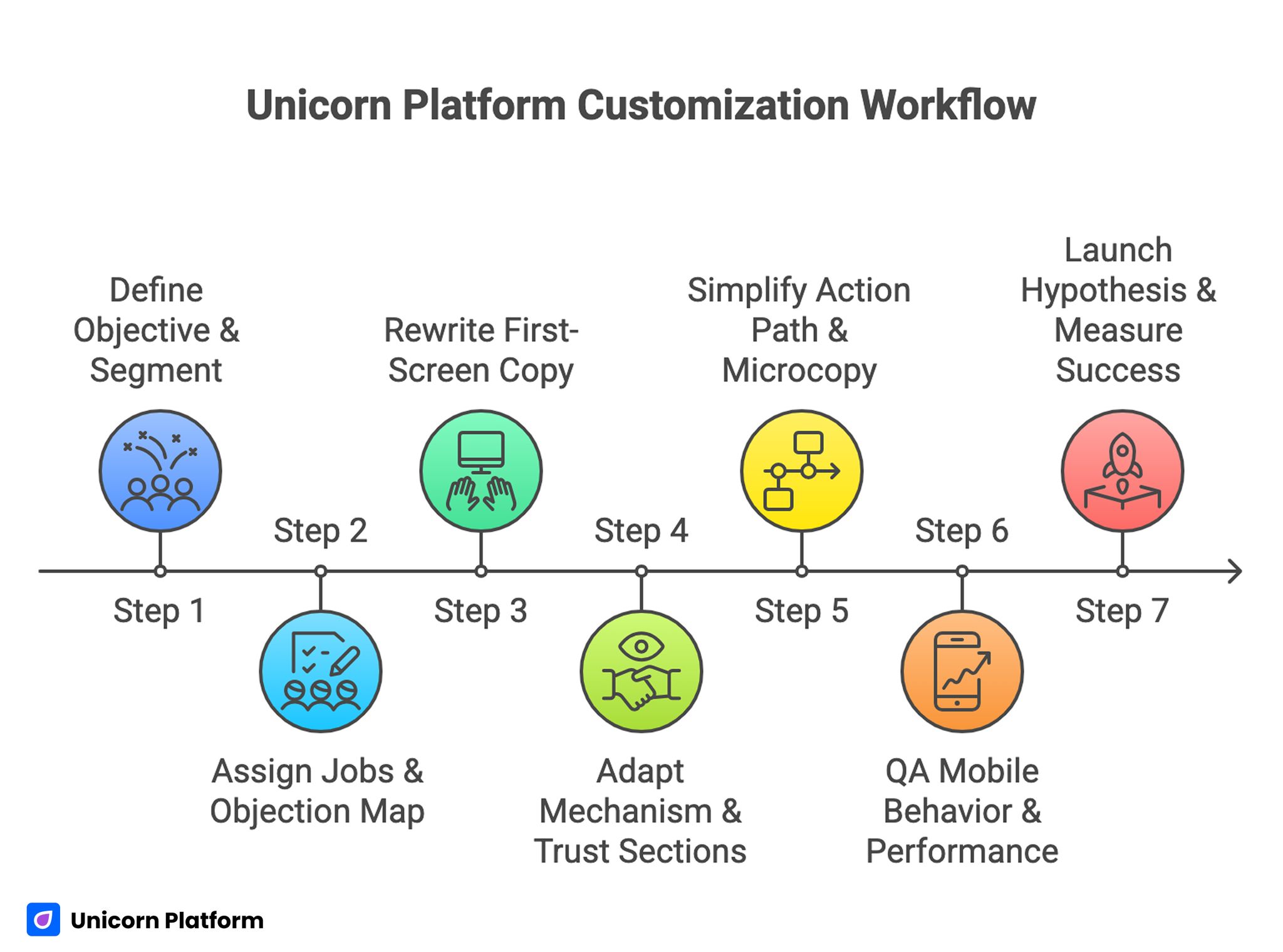
Unicorn Platform Customization Workflow
A repeatable workflow helps teams move fast without losing quality standards. It also reduces editing conflicts when multiple contributors are involved.
Recommended sequence. Follow the order to keep edits measurable and avoid structural drift:
- Define objective and primary segment.
- Assign section jobs and objection map.
- Rewrite first-screen fit and outcome copy.
- Adapt mechanism and trust sections to real concerns.
- Simplify action path and expectation microcopy.
- QA mobile behavior and performance stability.
- Launch one major hypothesis with clear success criteria.
In Unicorn Platform, reusable block patterns make this workflow easier across multiple campaigns while keeping brand consistency intact.
Copy and Value System for Template Pages
Copy should reduce uncertainty, not add hype. Users should understand who the app serves, what improves first, and what effort is required.
A reliable message structure is shown below. It keeps copy practical and implementation-focused:
- Context: who this page is for.
- Outcome: what changes first.
- Mechanism: how the app delivers the result.
- Confidence: why the claim is credible.
- Action: what to do next and what to expect.
This structure keeps copy practical and easier to test. It also reduces mismatch between ad promise and landing-page experience.
Trust, CTA, and Form Calibration
Trust design should be distributed, not concentrated in one section. Match each trust element to a likely objection at that moment in the journey.
Useful trust placements are listed below. Each placement should map to one specific objection:
- Near first CTA for early confidence.
- Near offer terms for commercial clarity.
- Near forms for commitment reassurance.
CTA clarity is equally important. One dominant route should be obvious, while secondary routes should support specific readiness states without competing.
Form design should collect only first-step essentials. If deeper qualification is required, gather additional context after intent is confirmed.
If your team needs behavior-guided iteration methods after launch, this landing-page optimization guide is useful for prioritizing fixes around real hesitation points.
Mobile Reliability and Performance Gates
Mobile quality is a direct conversion variable for app campaigns. If interaction reliability breaks on common devices, paid efficiency usually drops quickly.
Before launch, verify the mobile essentials below. These checks catch the most common performance regressions:
- Stable first-screen layout during load.
- Clear readability and spacing on smaller screens.
- Easy access to primary action without awkward scrolling.
- Predictable input behavior with mobile keyboards.
- Media load behavior that does not block decision-critical copy.
For teams standardizing mobile behavior across templates, this responsive page workflow helps preserve section logic across breakpoints.
Run checks on real devices, not only emulators. Real usage conditions often reveal hidden friction that synthetic testing misses.
30-Day Execution Plan
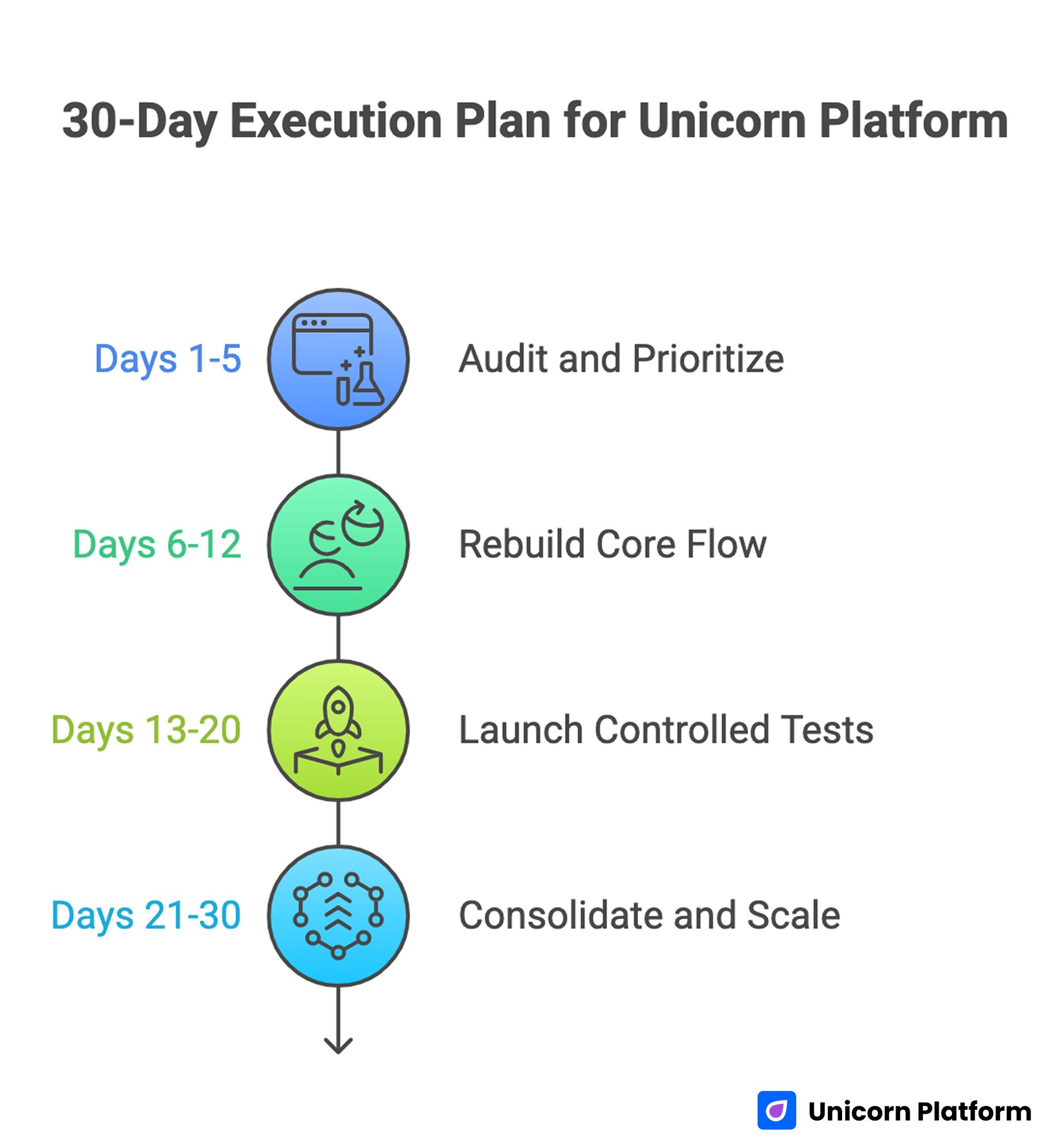
30-Day Execution Plan for Unicorn Platform
Days 1-5: Audit and Prioritize
Review live variants by channel and intent. Identify where fit clarity, trust timing, and route hierarchy break.
Define one objective and one quality metric for the next cycle. Confirm baseline analytics consistency.
Days 6-12: Rebuild Core Flow
Rewrite first-screen and mechanism sections with clearer role and outcome language. Move trust cues to earlier friction points.
Reduce form friction and improve expectation copy near action modules. This combination usually improves both completion rate and lead quality.
Days 13-20: Launch Controlled Tests
Ship one primary variant with one major hypothesis. Keep non-target variables stable for cleaner attribution.
Track both section behavior and downstream quality indicators. Front-end metrics alone can hide important quality drops.
Days 21-30: Consolidate and Scale
Promote validated patterns into your default template playbook. Archive failed tests with brief rationale.
Create a reusable reference standard so future launches begin from proven logic. This shortens setup time for the next campaign cycle.
Common Mistakes and Fast Fixes
Mistake 1: Selecting by visuals only
Fix: Select by objective fit, section flexibility, and route clarity. Treat surface design style as a secondary filter.
Mistake 2: One page for all traffic intents
Fix: Keep shared structure but run intent-specific variants where needed. This preserves governance while improving relevance.
Mistake 3: Trust content placed too late
Fix: Place confidence cues near the exact decision points they support. Avoid pushing all proof into one final section.
Mistake 4: Heavy first-touch forms
Fix: Use progressive qualification and keep first-step friction proportionate. Gather deeper details only after initial intent is confirmed.
Mistake 5: Mobile QA done after launch
Fix: Treat mobile stability and interaction reliability as release criteria. Do not defer core usability checks to post-launch.
Mistake 6: Measuring by clicks alone
Fix: Include activation and downstream quality metrics in decision reviews. This keeps optimization tied to real business outcomes.
FAQ: Templates for Mobile App Landing Pages
How should teams evaluate templates for mobile app landing pages before launch?
Start with objective fit and section-job clarity. Strong candidates support one action path, flexible trust placement, and mobile interaction reliability.
Are paid options always better than free templates?
Not always. Quality depends on structure adaptability, technical reliability, and how well the page is customized to user intent.
How many variants should one team manage at once?
Only as many as your team can measure and maintain with discipline. Fewer well-governed variants usually outperform many loosely managed pages.
Should one template serve acquisition and reactivation together?
Usually no. Shared architecture is useful, but first-screen framing and friction calibration often need separate variants by intent stage.
What should be optimized first when conversion drops?
Start with first-screen relevance and action clarity. If users cannot confirm fit quickly, deeper-page edits rarely recover performance.
How do we add trust without visual clutter?
Assign each trust cue to one major objection and place it where that objection appears. This keeps proof useful and readable.
What is a good default form length?
Collect minimum required data for first-touch routing. Add deeper qualification after initial confidence is established.
How often should template pages be reviewed?
Review after major offer, audience, or channel changes, plus on a regular optimization cadence with quarterly structural audits. Frequent lightweight reviews prevent larger structural regressions.
Can template-driven pages work for premium app offers?
Yes, if structure and qualification logic are customized carefully. Complex offers need stronger clarity, not necessarily full custom design.
Which metrics matter most after updates?
Track conversion alongside activation-quality signals like onboarding progression and retained usage to capture real impact. This gives a more accurate picture of template performance over time.
Final Takeaway
Templates can be a major speed advantage when managed as conversion systems rather than visual assets. Teams that align section logic, trust timing, and mobile reliability before scaling tend to produce more stable outcomes.
A disciplined process in Unicorn Platform lets you launch quickly while maintaining quality standards. That balance turns fast execution into repeatable growth.
